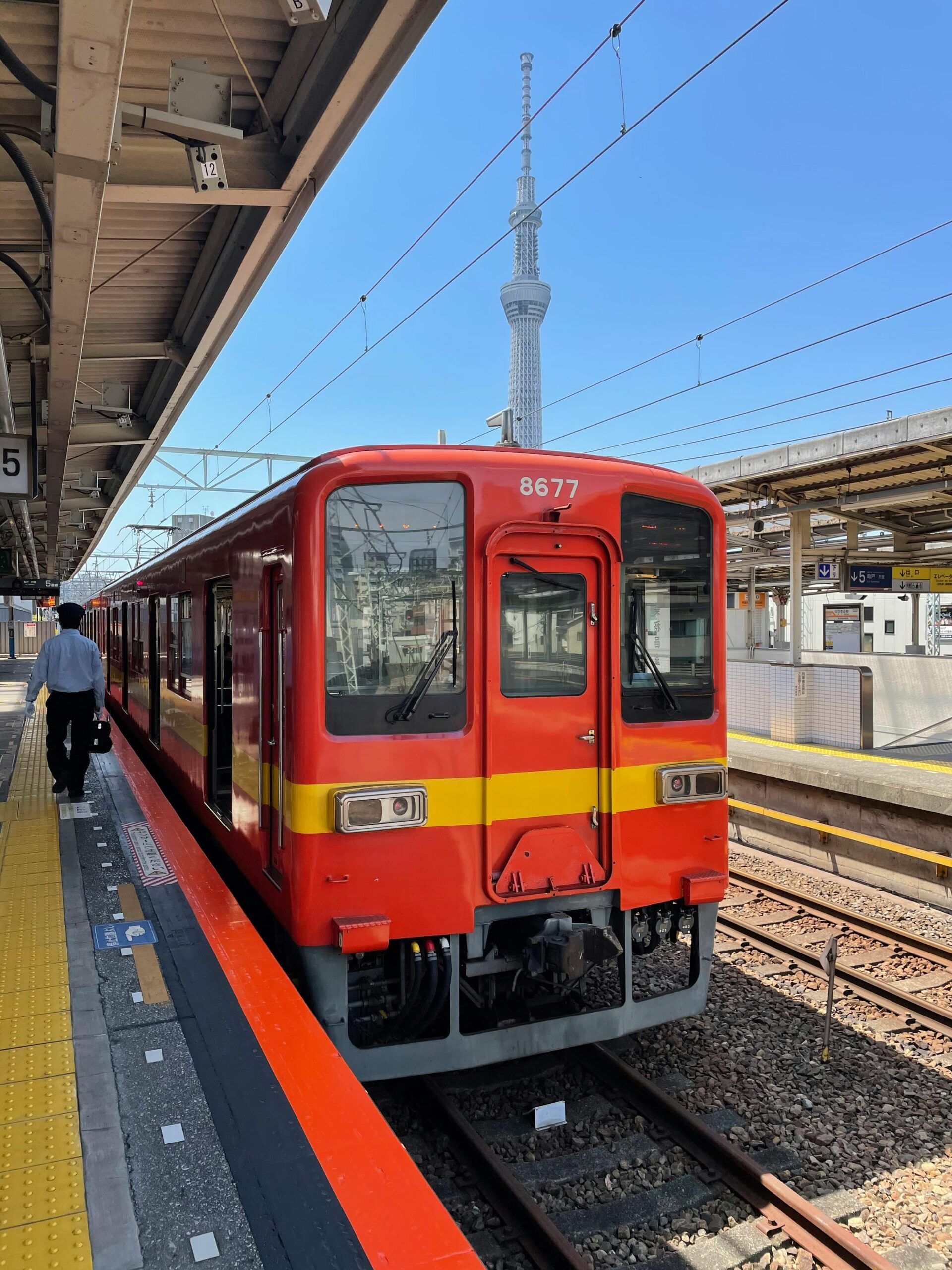
Tokyo Public Transportation: From Overwhelming to Surprisingly Easy
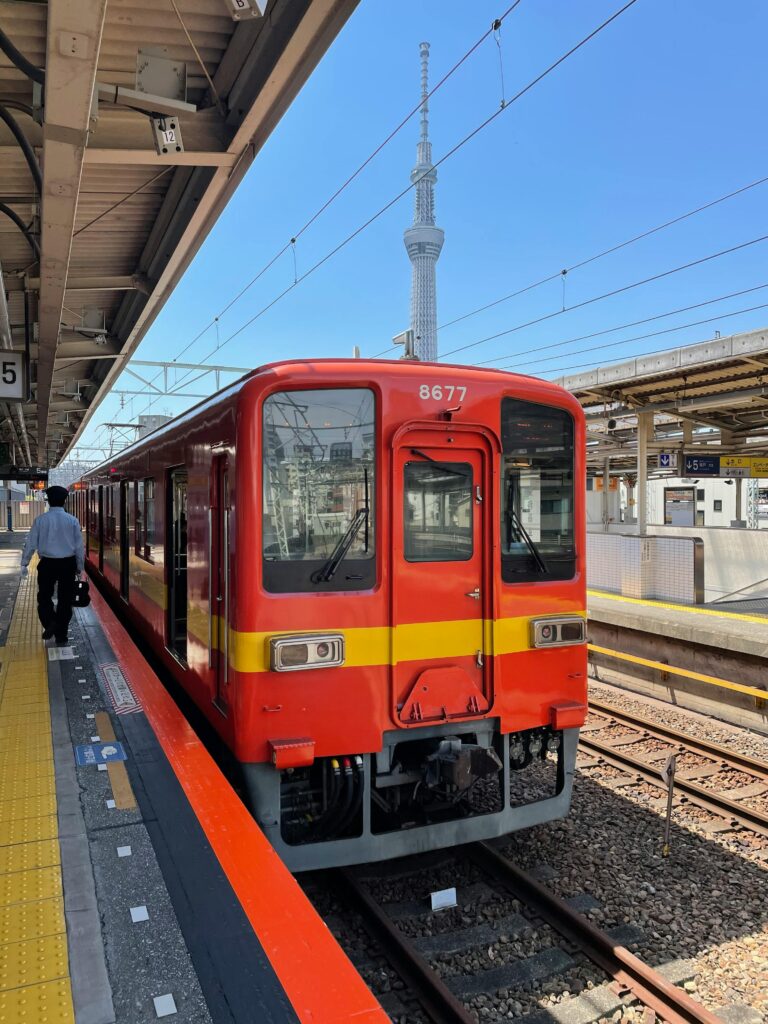
This was part of my larger trip across Asia. You can read the full story here: A 13-Day Luxury Asia Trip Across 7 Cities for Almost $0.
When I first arrived in Tokyo, the public transportation system felt overwhelming.
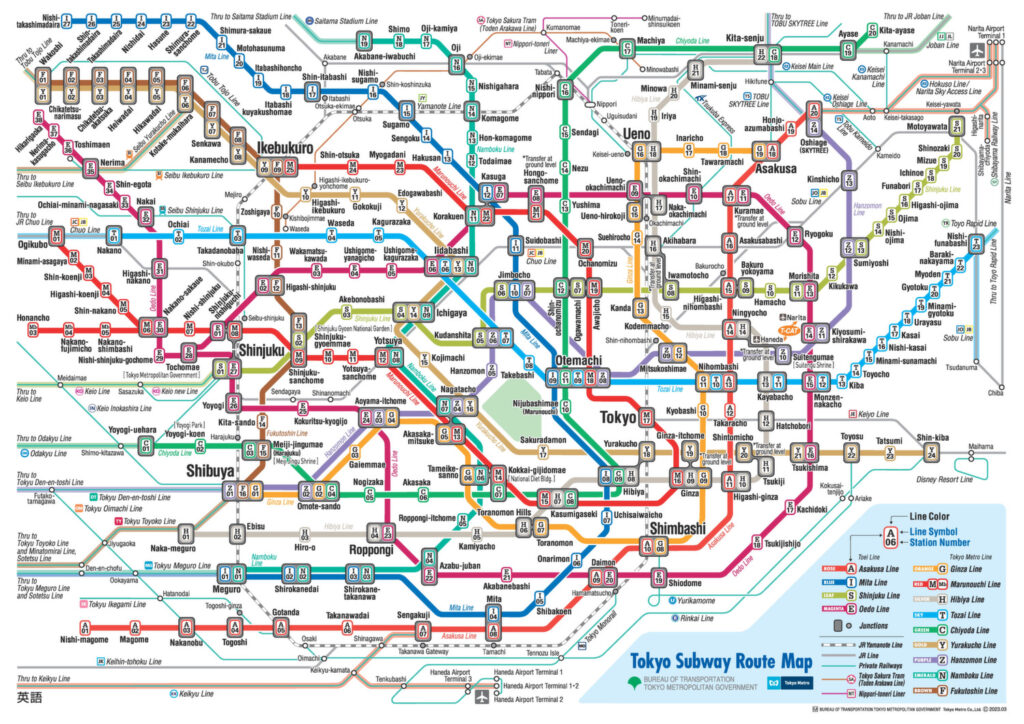
There were so many train lines, so many station names, and so many connections that it was hard to know where to begin. Looking at the map felt like staring at a bowl of colorful spaghetti.
But after a couple of days, something interesting happened. What initially looked confusing slowly became one of the easiest and most efficient transportation systems I have ever used.
Here is how my experience with Tokyo’s train system evolved.
Getting a Transit Card (PASMO on iPhone)
The first thing I did was buy a PASMO card. In Tokyo, the two most common prepaid transit cards are PASMO and Suica, and they work almost everywhere in the city’s train and subway systems.
Initially I bought a physical PASMO card at the station.
Later I tried to add the card to my iPhone so I could use it digitally through Apple Wallet. At first the transfer didn’t work, which was confusing. After a bit of trial and error, I realized the problem was simply my phone case. Once I removed the case, my iPhone was finally able to read the card and transfer the balance successfully.
From that point on, I could simply tap my phone at the ticket gate instead of using the physical card.
It made the whole experience much smoother.
Adding Money to the Card
Recharging the card was mostly straightforward.
However, after transferring the PASMO card into my iPhone, I noticed that the ticket machines did not always allow me to add value directly. I’m not completely sure if that was related to the transfer from the physical card, but the easiest solution was simply going to the station office.
Almost every major station has a small service counter, and the staff there can quickly add money to your card. The process takes less than a minute.
Once the balance is loaded, the system becomes incredibly convenient. You simply tap your phone when entering and exiting the station, and the correct fare is calculated automatically.
Why Tokyo’s Train System Feels Overwhelming
Tokyo’s rail network is massive. Multiple companies operate different lines, including Tokyo Metro, Toei Subway, and JR East.
When you first look at the network map, it feels extremely complicated.
There are:
- dozens of lines
- hundreds of stations
- multiple operators
- many possible transfers
Even though the signs are clear and well organized, the sheer amount of information can feel intimidating at first.
I definitely experienced a bit of culture shock during my first day navigating the system.
An Unexpected Language Challenge
One interesting challenge I encountered was related to language.
Because I can read both English and Chinese, the station signs sometimes confused me more than they helped.
Japanese uses many Chinese characters (kanji). When I looked at the station signs, my brain automatically focused on those characters. But when I searched directions using Google Maps, the station names were displayed in English.
This meant I was sometimes looking for the Japanese characters while Google Maps was guiding me using English names.
Eventually I realized the solution was simple: choose one language and stick with it. Once I decided to follow the English names from Google Maps consistently, everything became much easier.
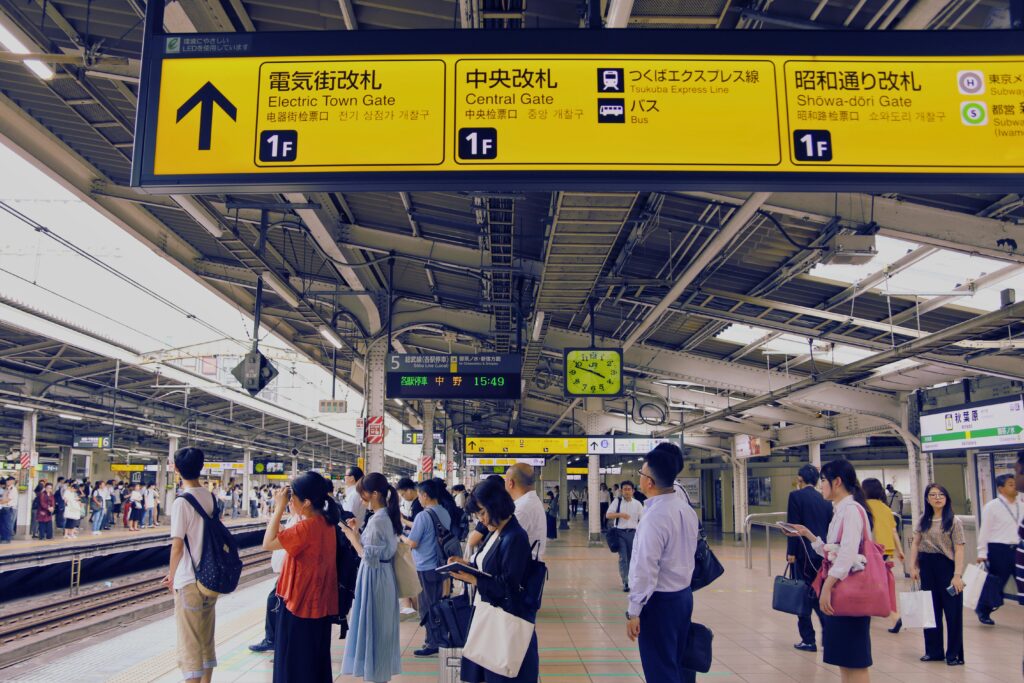
The Secret: Follow the Colors
One of the smartest things about Tokyo’s subway system is its color coding.
Every train line has its own color, and the station signs use these colors consistently.
Once I realized this, navigating became dramatically easier.
Instead of trying to remember long station names or line names, I simply followed the color of the line I needed.
This small design detail makes the entire system much more intuitive than it first appears.
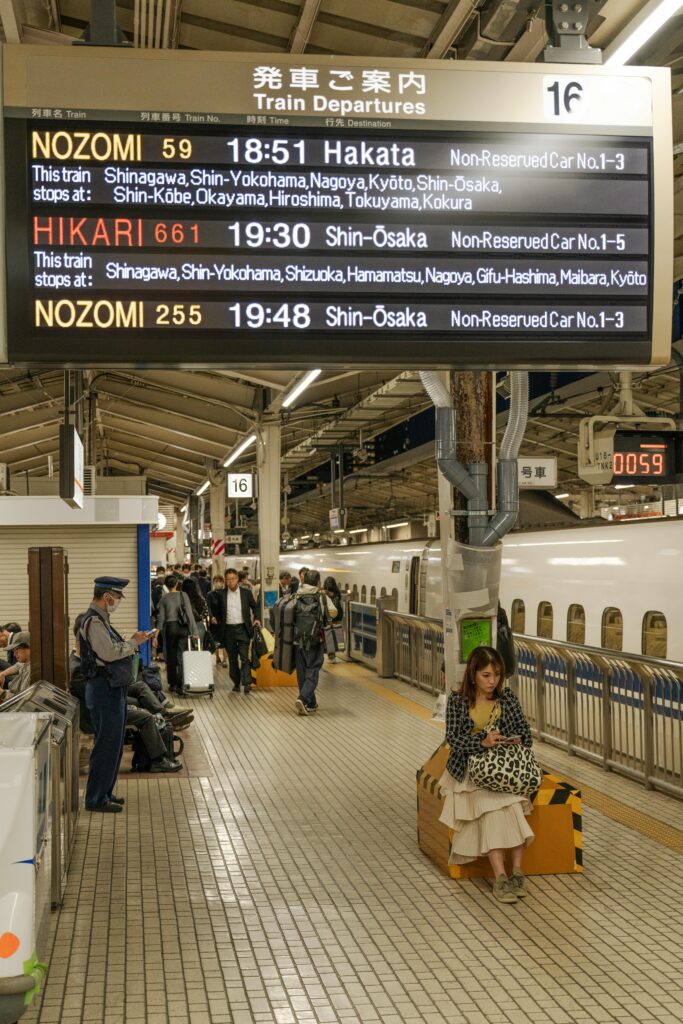
The Trains Are Extremely Punctual
Another thing that surprised me was how punctual the trains are.
When a train is scheduled to arrive at a certain time, it almost always does. If you miss one train, another often arrives just a few minutes later.
Because trains run so frequently, missing one is usually not a big problem.
Still, the safest approach is to refresh Google Maps and check the next train time before moving to the platform.
Why Google Maps Makes Everything Easy
The tool that made everything work smoothly for me was Google Maps.
It tells you:
- which train line to take
- which station to transfer at
- when the train arrives
- and most importantly, which platform to go to
The platform information is extremely helpful. Once I started paying attention to that detail, navigating stations became much simpler. Instead of trying to understand the entire station layout, I simply walked to the platform number shown in Google Maps.
In many cases, that was all I needed.
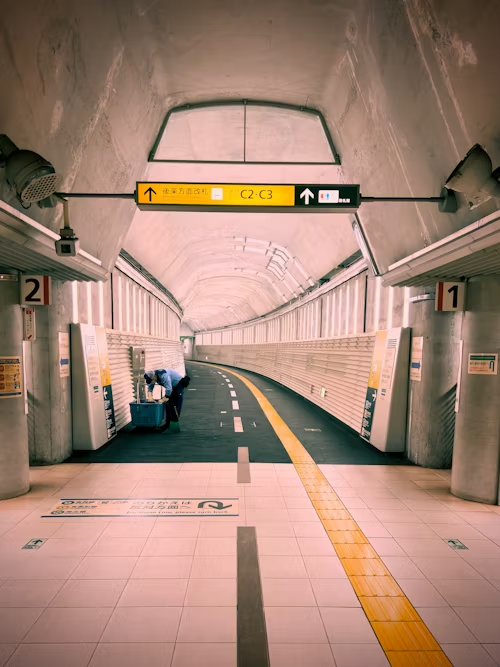
From Confusion to Appreciation
During the first day, Tokyo’s transportation system felt intimidating.
But after just a few days, I began to appreciate how well designed it actually is. The signs are clear, the trains are punctual, and the entire system operates with remarkable efficiency.
What initially felt overwhelming slowly became one of the easiest transportation systems I have ever used.
By the end of my stay, tapping my phone at the gate and moving through the network felt completely natural.


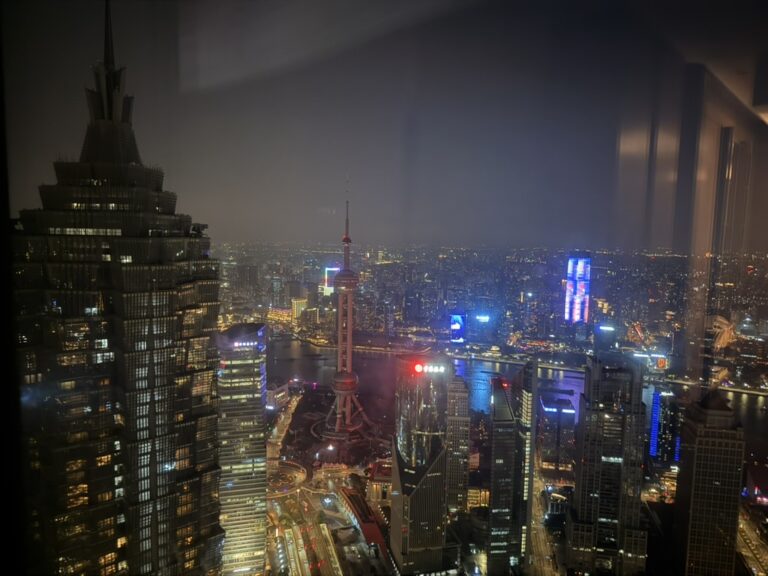
[…] at first, but after a few rides it became surprisingly easy. I wrote more about my experience using Tokyo’s public transportation […]